Hardware
ESP32
What is ESP32?
The ESP32 is a low-cost, low-power microcontroller that is designed for IoT applications. It features a dual-core processor, built-in Wi-Fi and Bluetooth connectivity, and a wide range of I/O pins for interfacing with sensors and other devices. The ESP32 is widely used in projects that require wireless communication, such as home automation, smart devices, and remote monitoring systems.
ESP IDF
Installation
Windows
- Open ESP IDF installer here and install.
- When the installer finishes all steps, two terminals (PowerShell and CMD) will open and run scripts.
- Both terminals will remain at a path like
PS C:\Espressif\frameworks\esp-idf-v5.5.1>. You can run examples using the following example:
PS C:\Espressif\frameworks\esp-idf-v5.5.1> cd .\examples\get-started\hello_world\
PS C:\Espressif\frameworks\esp-idf-v5.5.1> idf.py build
macOS
brew install cmake ninja dfu-util
mkdir -p ~/esp
cd ~/esp
git clone -b v5.5.1 --recursive https://github.com/espressif/esp-idf.git
./install.sh esp32,esp32s3,esp32p4
. ./export.sh
If an error like this is shown during any step:
[SSL: CERTIFICATE_VERIFY_FAILED] certificate verify failed: unable to get local issuer certificate (_ssl.c:xxx)
You may run Install Certificates.command in the Python folder of your computer to install certificates.
If your terminal is closed, you need to open your terminal where you are going to use ESP-IDF, run:
. $HOME/esp/esp-idf/export.sh
If you plan to use esp-idf frequently, you can create an alias for executing
nano ~/.bashrc
Copy and paste the following command to your shell's profile
alias get_idf='. $HOME/esp/esp-idf/export.sh'
#or
alias get_idf='. $HOME/esp/v5.5.1/esp-idf/export.sh'
Refresh the configuration by restarting the terminal session or by running:
source ~/.bashrc
#or
source ~/.zshrc
Now you can run get_idf to set up or refresh the esp-idf environment in any terminal session. You will see:
Activating ESP-IDF 5.5
Setting IDF_PATH to '/Users/tony/esp/v5.5.1/esp-idf'.
* Checking python version ... 3.9.6
* Checking python dependencies ... OK
* Deactivating the current ESP-IDF environment (if any) ... OK
* Establishing a new ESP-IDF environment ... OK
* Identifying shell ... zsh
* Detecting outdated tools in system ... OK - no outdated tools found
* Shell completion ... Autocompletion code generated

Done! You can now compile ESP-IDF projects.
Go to the project directory and run:

idf.py build
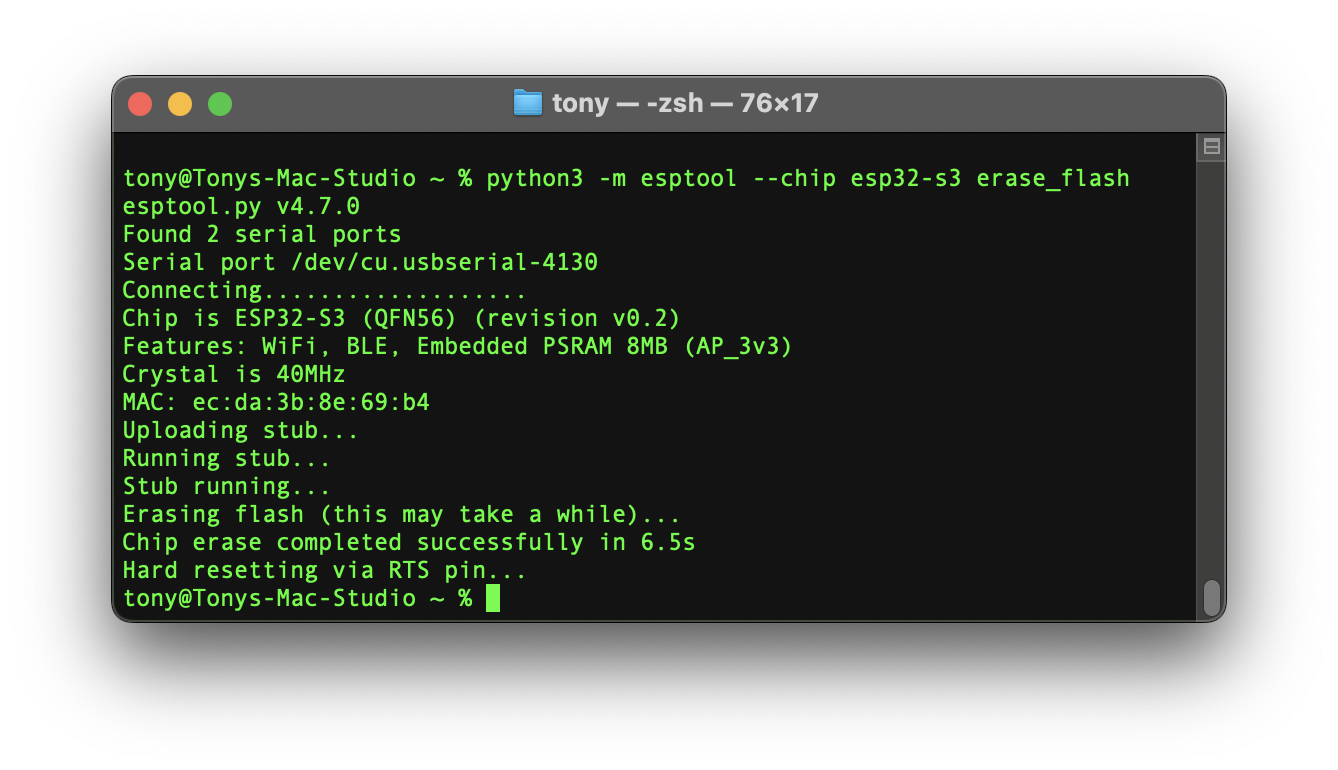
Erase EEPROM
> pip install esptool

# ESP32
> python -m esptool --chip esp32 erase_flash

# ESP32-S3
> python -m esptool --chip esp32-s3 erase_flash
ESP32-P4 Chip Revision Issue
- Run menuconfig
- Locate
Component Configfrom the menu - Scroll down and find
Hardware Settings - Click on
Chip Revision - Check the
Select ESP32-P4 revisions < 3.0 (No >=3.x support)
Troubleshooting
E BOD: Brownout detector was triggered
Typical causes: weak/unstable 5V/3.3V supply, poor USB cable/port, high current peaks (Wi-Fi/BLE start, LED strips, motors), inadequate decoupling, or powering the board through a path that can’t deliver bursts of current.